|
Announcing The Brand New, 8 Part, Step By Step Video Course
“Finally Discover How to Create Your eCommerce Store With WooCommerce So You Can Start Generating Leads, Sales, & Profits!”
In this
step-by-step video course, you will get to watch over my shoulder as I
show you how to set up an e-commerce site with WooCommerce.
From
the Desk of:
Jim Young
Dear Friend,
Whether you're selling digital products or physical products, creating an e-commerce store is your first step.
While there are a variety of different platforms that you can use to
set up your e-commerce site, WooCommerce is the number one option if
you are utilizing WordPress.
If you've wanted to sell your products online for a long time, but you
just haven't been able to do so because of the technical learning
curve, then this is your solution.
By the end of this video course, you'll have the necessary knowledge to
set up your e-commerce site from scratch on the WordPress platform.
Introducing...
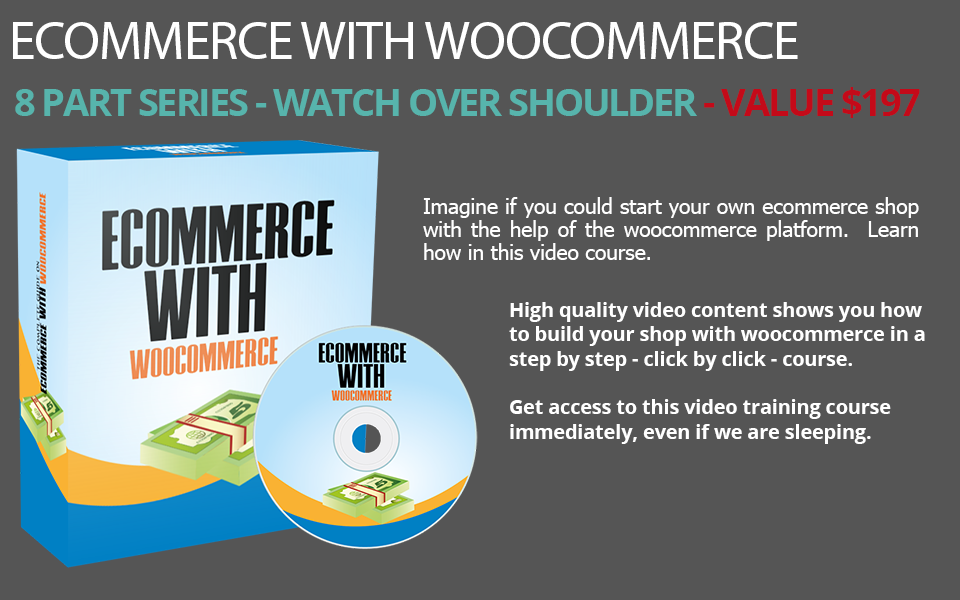
ECommerce With WooCommerce
8 Part Video Course
Condition:
For this to work, you will need to have a website with WordPress
installed on it. From that point, what you will need to know how to do
is to get everything the way you need to set things up the right way.
|

|
Video #1: Intro
Before we jump right in and show you
how to set up your e-commerce site by using Woocommerce, we want to
give you a quick overview of what's inside this video course. This way,
you can get a Bird's eye view of exactly what is inside this course. You
will also learn how to install the main core plug-in.
|
|
Video #2: Themes
Before
you get started, you want to make sure that your e-commerce site looks
good. The reality is most of us are not graphic designers, and if we
were to create an e-commerce shop design, it would most likely look
ugly. So how do you get around this roadblock? The secret is to find
seems that have already been created for e-commerce sites that either
fit your target market or it is close enough that you can customize it
a little bit further. You'll learn which sites we recommend you going
to find the e-commerce design that you're looking for.
|
|
Video #3: General Settings Overview
Now
that you have a good idea of where to get your e-commerce website
design, it's time to look under the hood and go over the General
settings of the WooCommerce plug-in. Well, there are a lot of settings,
we will go over every single one of them step-by-step.
|
|
Video #4: Product Settings Overview
Now
that we have gone over the General settings, it's time to look at the
product settings, which will allow you to add specific products to your
e-commerce site. This also includes other options, such as creating
coupons.
|
|
Video #5: Product Organization
The
harsh reality is when you begin to add many products; your system will
become disorganized and confusing as to what is what. To help you
combat this, we will teach you essential product organization or
another word on how to organize all of your products so that you know
precisely what is white and where it is located.
|
|
Video #6: Product Attributes
What
if you're selling skateboards as an example? And you have all different
colors such as red, green, blue, brown and more. You get the point.
This is what we call attributes. They are simply variations or
customizations of the same product.
|
|
Video #7: Expansion
Once
you have your site set up and the basics complete, it's time to expand.
What we mean by this is how do you grow your options, perhaps, maybe
you want to create your monthly subscription, or a membership site, or
something that is beyond the core plug-in.
|
|
Video #8: WooCommerce Automation
Now
it's time to make your life a lot easier by automating the cord
plug-in. Let's say, for example, that every time someone purchases in
your e-commerce store, you want to do something specific such as adding
them to an email list, or a Google spreadsheet, or emailing them
something specific. Regardless of what it is in this video, we are
going to teach you how to automate it using a few third party services.
|
Grab this video course and learn how to set up an e-commerce site with WooCommerce!
Press
the BUY IT NOW button now and get this great 8 part video course that
comes to you on a fully interactive CD-ROM for only....
$67 $17 plus Free Shipping
Regards
Jim Young
P.S.
In this step-by-step video course, you will get to watch over my
shoulder as I show you how to set up an e-commerce site with
WooCommerce!
P.P.S. You this 8 part, step by step video course on a fully interactive CD-ROM that comes to you biy first class mail!
|